Email templates and canned responses
Save signatures, follow-ups, customer support replies, introductions, and frequently used email text. Add fill-in fields when names, dates, or details change.
Explore support templates →Use SnippetCraft as a native Mac text expander, snippet manager, and reusable template library. Save email replies, code snippets, commands, and frequently used text, then expand or find them from any app.
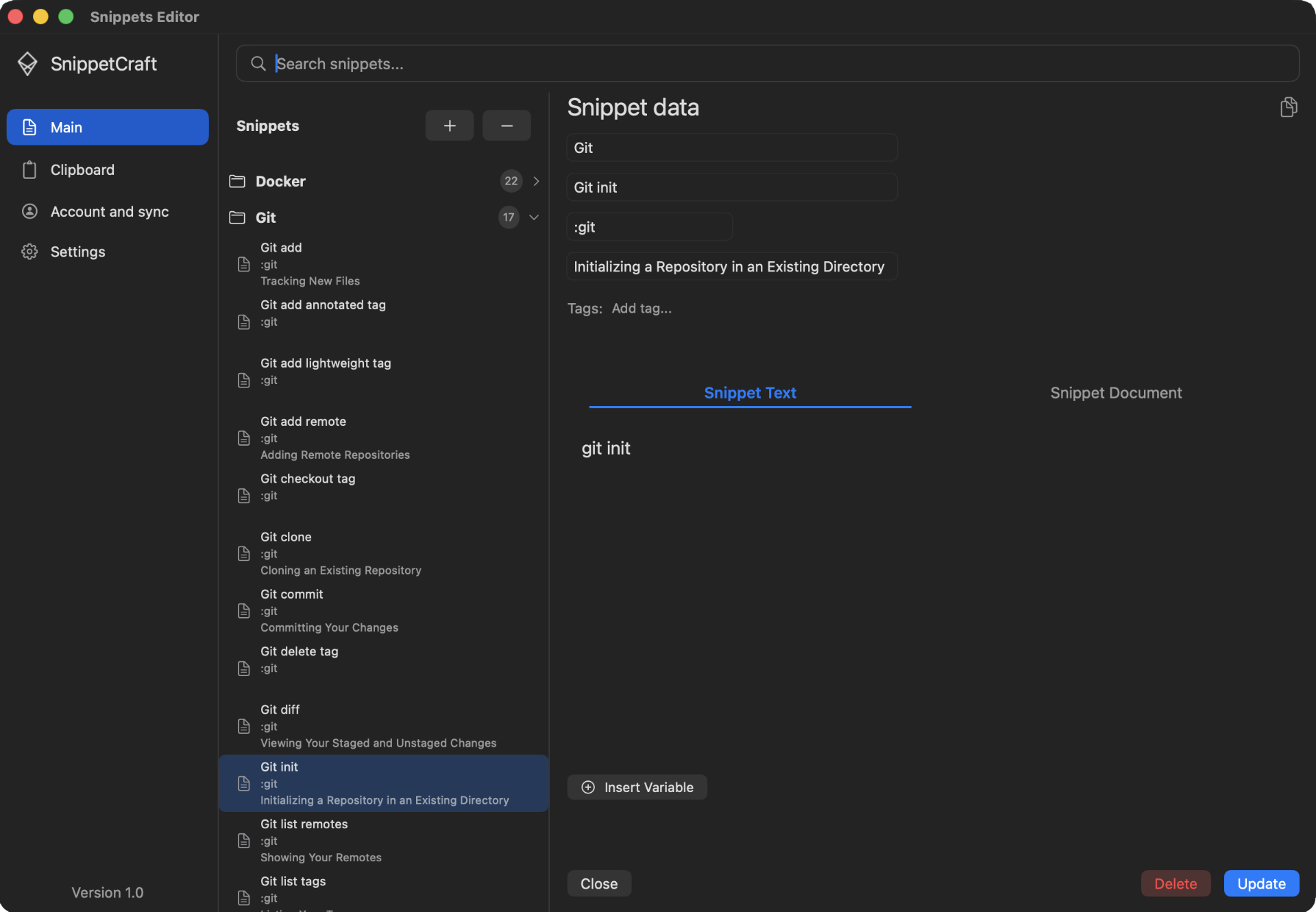
Build a useful text library while you work, then call it up from any application without breaking focus.
Create a snippet in the editor, save selected text with ⌥⇧S, or turn any clipboard entry into a reusable template.
Organize with folders and tags, attach Markdown documentation, and add fill-in fields such as {{name}} or the current date.
Type a trigger for direct expansion, or open global search to find the right snippet by name, description, or tag.
A focused, distraction-free interface designed to stay out of your way.
Manage all your snippets in one place. Organize them into folders, set triggers, add descriptions, and edit content — all in a clean, native macOS interface.
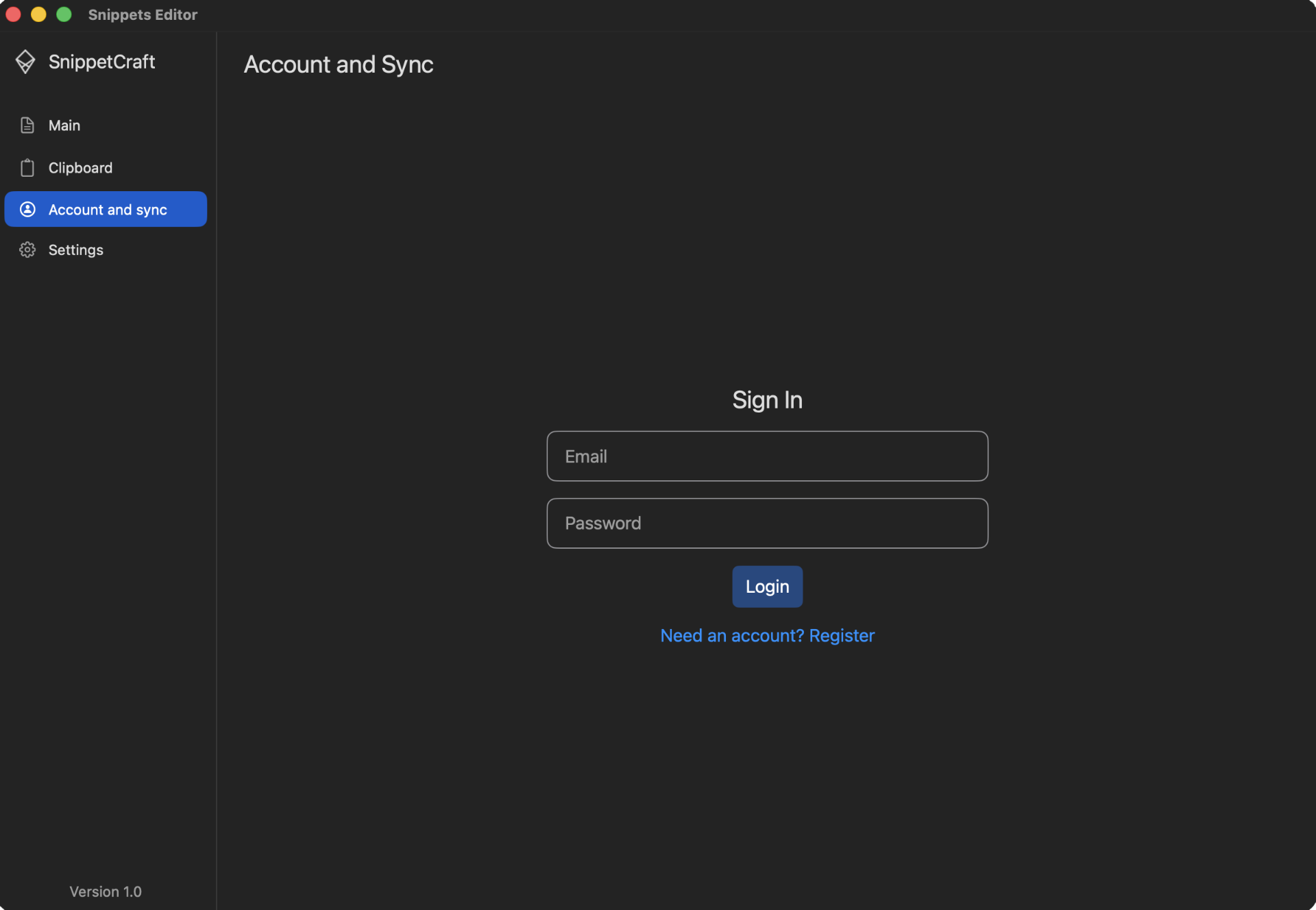
Sign in once and your entire snippet library syncs across all your Macs automatically — always up to date, always in sync.
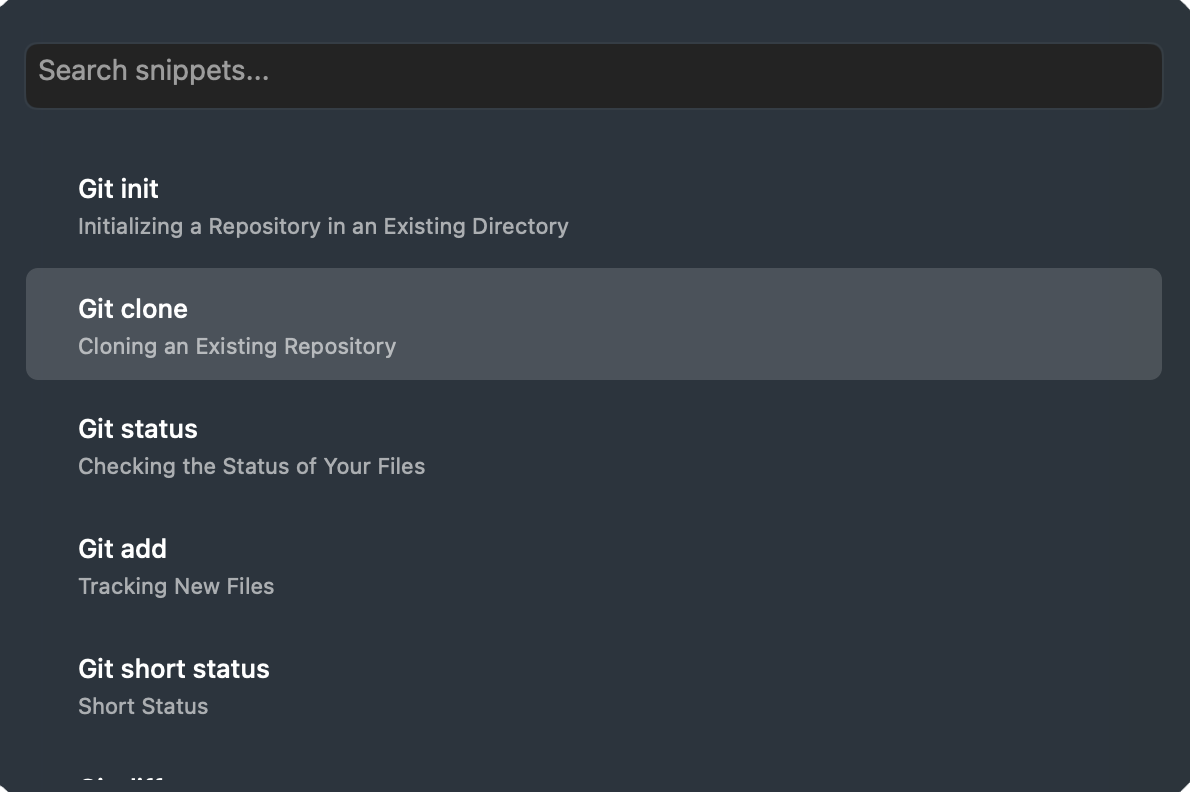
Summon the search palette from anywhere with a hotkey. Browse, search, and paste any snippet in seconds — no mouse required.
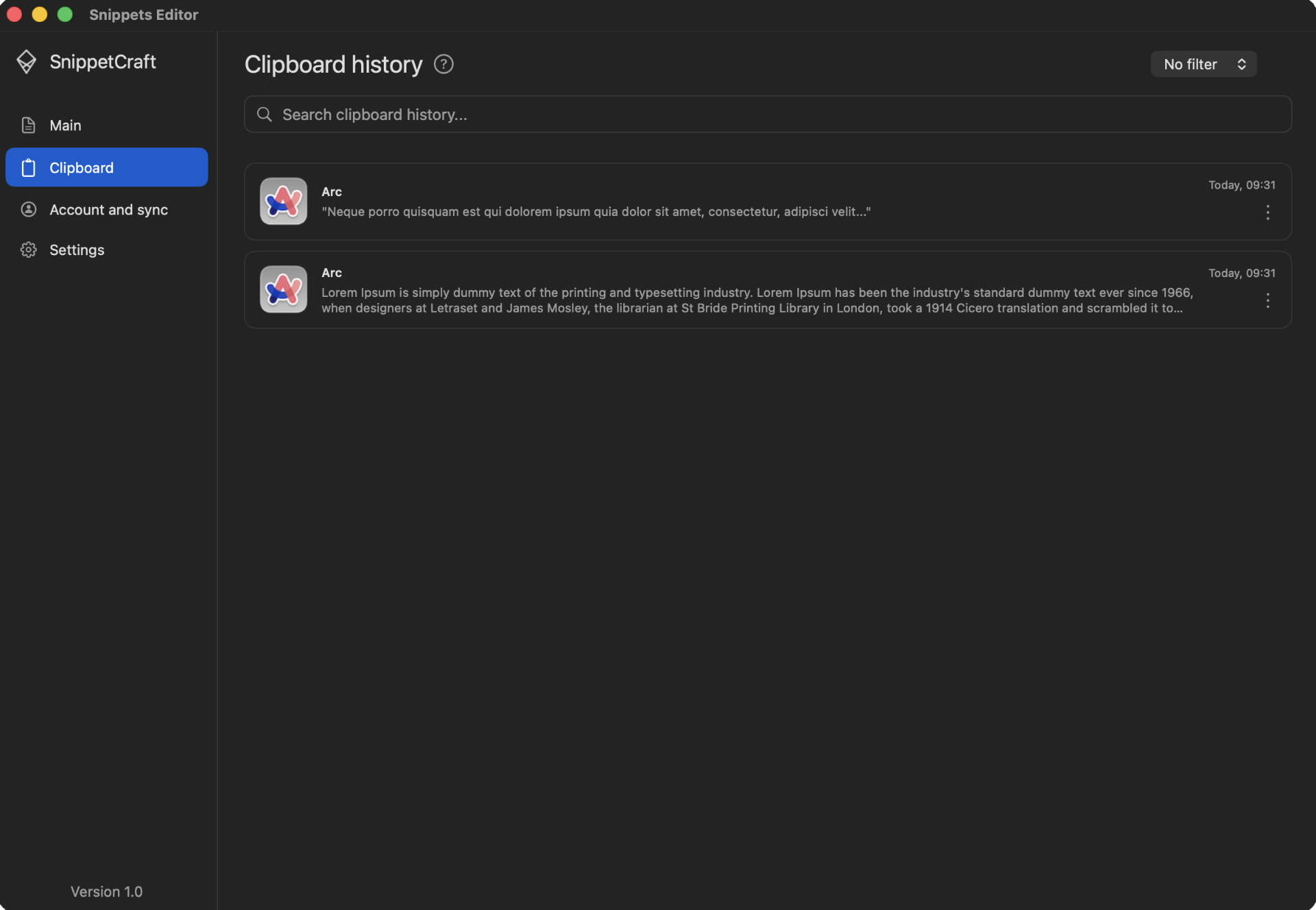
SnippetCraft automatically keeps a history of everything you copy. Browse past clipboard entries, turn any of them into a reusable snippet in one click, or summon the clipboard palette with a hotkey to instantly paste any recent entry — without ever leaving the keyboard.
SnippetCraft turns repeated text into a searchable, documented, and reusable system that stays available in every app.
Add text, date, time, date-time, or clipboard variables. Defaults keep common values one Enter away.
Attach Markdown documentation to a snippet, organize it with folders and tags, and preview the notes before inserting.
Open global search with ⌥⇧F and filter by name, description, or tag. Navigate and insert entirely from the keyboard.
Search clipboard history, filter by source app, then save an entry as a permanent snippet or add it to a temporary collection.
Use every core workflow without an account. Your local library stays on your Mac; signing in is optional and enables sync across your Macs.
Import and export the complete library as a .snippets file. Duplicate-safe import includes a clear result report.
Built for the menu bar and keyboard-first workflows.
Distributed as a notarized app for macOS 13 and later.
Local mode keeps your snippet library on this Mac.
Build one searchable library for text shortcuts, reusable templates, code snippets, canned responses, and the useful content that passes through your clipboard.
Save signatures, follow-ups, customer support replies, introductions, and frequently used email text. Add fill-in fields when names, dates, or details change.
Explore support templates →Keep Git commands, configuration fragments, code examples, release checklists, and documented runbooks searchable from any Mac app.
Explore developer snippets →Expand addresses, contact details, booking links, common phrases, meeting notes, and other text you type repeatedly.
Explore snippet management →Turn fixed text into flexible templates with text, date, time, date-time, or clipboard variables and useful default values.
Explore dynamic templates →Search local clipboard history, filter copied text by source app, and turn valuable clipboard items into permanent snippets.
Explore clipboard history →Attach Markdown instructions, links, prerequisites, and warnings so the context stays beside the reusable content.
Explore snippet documentation →Import ready-made collections for Bash, Email, JavaScript, Kotlin, Markdown, Python, SQL, and Swift—then edit every snippet to fit your workflow.
Browse all 712 snippets →Start with a few high-frequency templates, then let your library grow naturally as useful text passes through your Mac.
Keep commands, code fragments, runbooks, and environment-specific templates searchable and documented.
Insert polished replies, personalize them with fill-in fields, and keep internal guidance beside each response.
Reuse proposals, follow-ups, meeting summaries, and client details without hunting through old documents.
Capture references from clipboard history, tag reusable passages, and keep Markdown notes attached.
See where SnippetCraft is simpler, where established alternatives are stronger, and what you would give up by switching.
SnippetCraft needs system access to expand text and remember clipboard entries. Those workflows are processed locally; an account is required only when you choose cloud sync.
Read the full Privacy Policy →Create, search, expand, and manage snippets with the library stored locally on your Mac.
Clipboard history powers search and snippet capture on your device; it is not uploaded as part of snippet sync.
If you sign in, snippet data is encrypted in transit and at rest through the sync infrastructure described in the Privacy Policy.
Accessibility access enables system-wide expansion. SnippetCraft does not need your browser history or the contents of unrelated text fields.
The important questions about permissions, privacy, compatibility, and moving your snippet library.
.snippets file and import it later. Duplicate-safe import skips existing items and reports the result.Start locally, create your first trigger, and expand it in any app within minutes.