Organize with folders and tags
Group snippets by project, client, role, or topic. Add tags that match the words you are likely to search later.
SnippetCraft turns email replies, code fragments, commands, checklists, contact details, and reusable templates into one structured Mac library. Use a trigger when speed matters or global search when you remember the idea but not the shortcut.
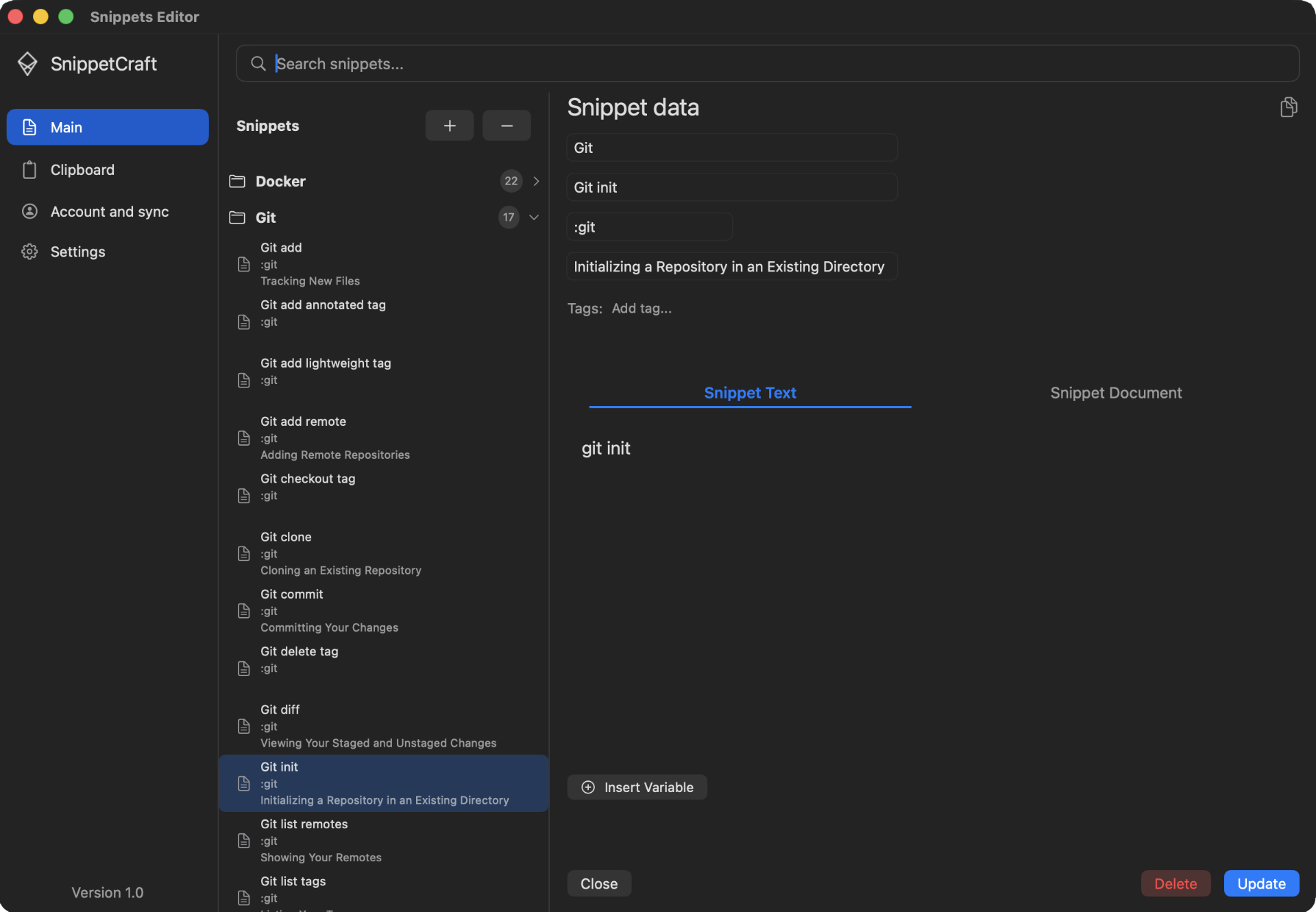
A snippet becomes easier to reuse when its content, shortcut, purpose, and context stay together. SnippetCraft adds structure without forcing every item into the same workflow.
Group snippets by project, client, role, or topic. Add tags that match the words you are likely to search later.
Give every snippet a clear name and description so search results explain when it should be used.
Keep instructions, links, prerequisites, examples, and warnings beside the reusable content.
Short, memorable triggers are ideal for text you use constantly. Global search handles the long tail of useful snippets you cannot memorize.
:sig to expand an email signature in any text field.⌥⇧F and search by name, description, or tag.Create it in the editor, save selected text, or turn a clipboard item into a snippet.
Choose a folder, add tags, write a description, and attach documentation when needed.
Expand frequent items directly and find everything else through the global palette.
Frequently used text, email replies, code, commands, checklists, addresses, notes, and dynamic templates.
No. Triggers are optional because global search can find items by name, description, or tag.
Yes. Folders, tags, descriptions, documentation, and search keep a larger library understandable.
SnippetCraft is free for macOS 13 and later.
Download free for Mac