Start locally first
Evaluate the app and build a useful library before deciding whether an account adds value.
Start in local mode without registration. When you work on more than one Mac, sign in to synchronize the snippet library so new and updated reusable content remains available across your computers.
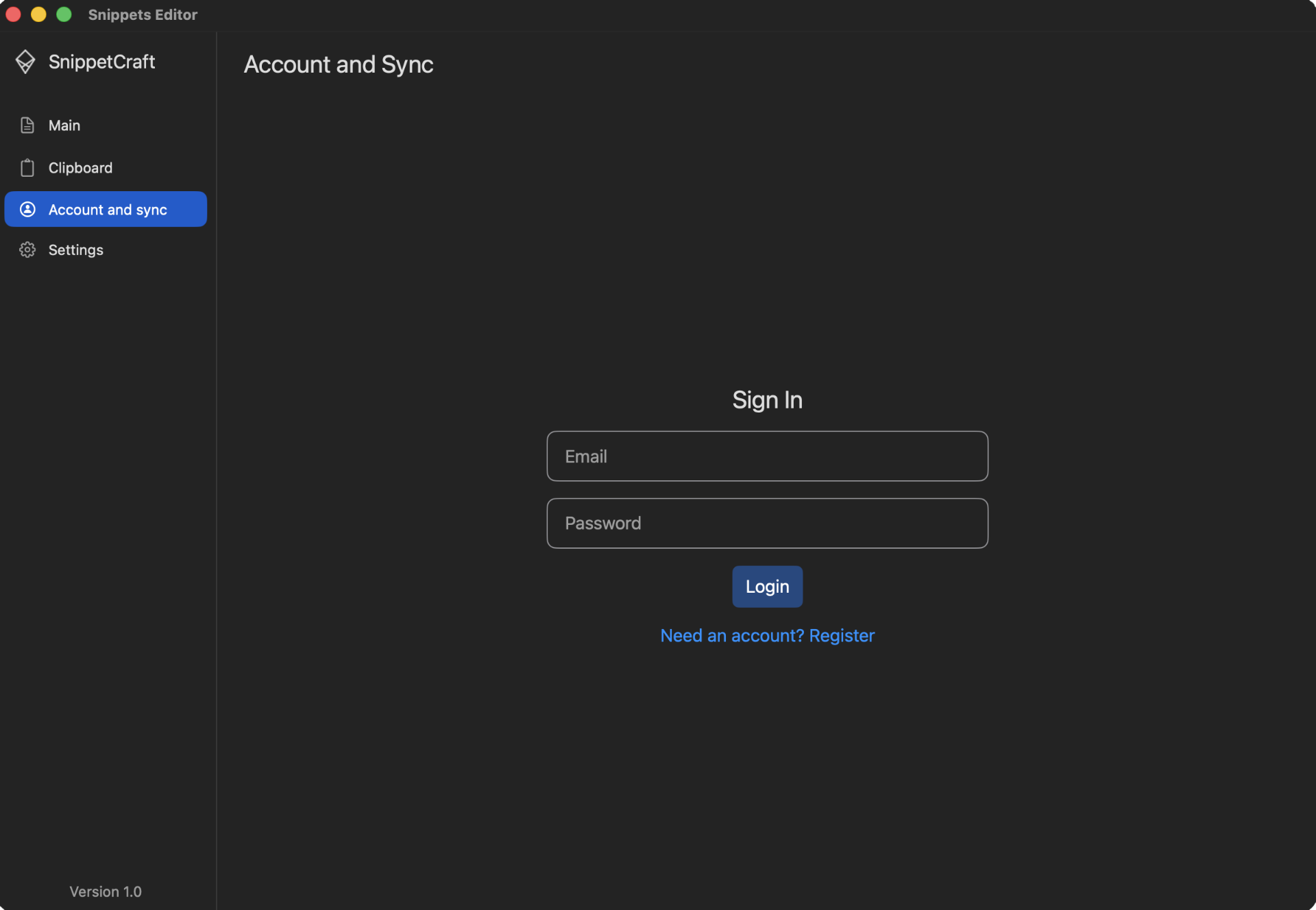
Optional sync is useful when the same replies, commands, templates, and documented snippets belong in more than one workspace.
Evaluate the app and build a useful library before deciding whether an account adds value.
Keep the snippet library available across Macs where you sign in to SnippetCraft.
Raw clipboard history remains local and is not uploaded as part of optional snippet synchronization.
A reusable snippet is deliberately named, reviewed, and saved. Clipboard history is temporary and may contain sensitive content. SnippetCraft treats these workflows differently.
Remove secrets and one-time private values that should not become reusable content.
Use the same SnippetCraft account on each Mac that needs the library.
Check representative snippets and allow time for changes to appear before editing duplicates.
No. Local mode works without creating an account.
The reusable snippet library. Raw clipboard history is not included in sync.
The Privacy Policy describes encryption in transit and at rest through the sync infrastructure.
Use local mode first, then synchronize when you choose.
Download free for Mac